How to Archive Notes on HelloNote 2.0
Purpose:
To provide clinicians with instructions for properly archiving and restoring clinical notes in HelloNote 2.0, enabling efficient record management while maintaining access to historical documentation.
Scope:
This article covers:
- Archiving individual notes
- Restoring archived notes
Excludes: - Bulk archiving/restoring
- Permanent note deletion
- Archive automation
- Note modification during archiving
Procedure:
To Archive:
- Locate patient in Patient List
- Navigate to Notes > select relevant Case
- Click Note Options > Manage Notes
- Click the red X next to target note
- Confirm Save
To Restore:
- Access same Manage Notes section
- Click Restore on archived note
- Changes apply immediately
-
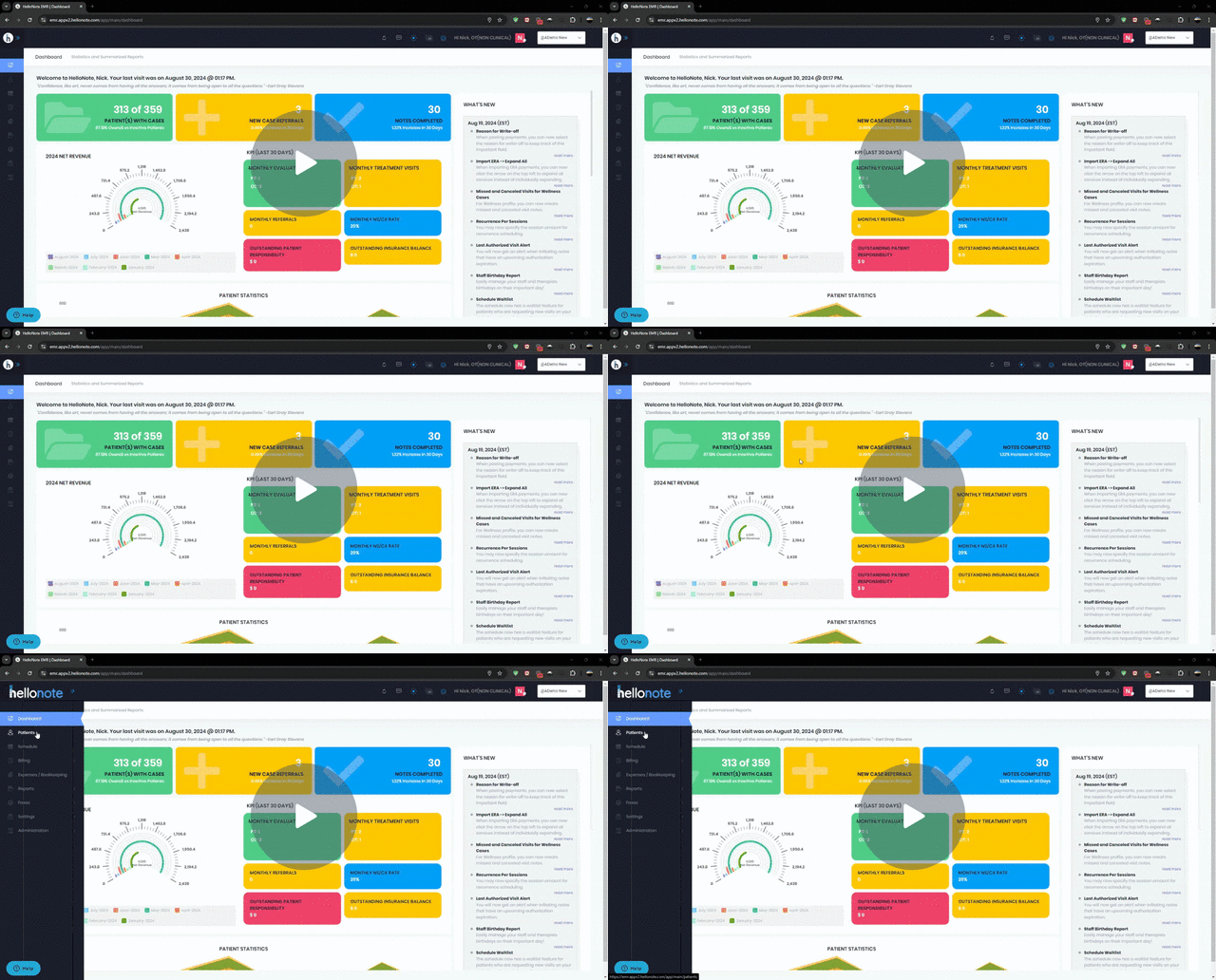
Please follow the instructions on the short clip below
HelloNote EMR | Dashboard - Google Chrome - 30 August 2024 - Watch Video
Comments
0 comments
Please sign in to leave a comment.